



MOBILE Cell PHONE USERS, PLEASE READ THE DOWNLOAD INSTRUCTIONS AT THE BOTTOM TO DOWNLOAD THE BUNDLE. OTHERWISE, USE A WINDOWS PC.
Thank You and let's make the world tech-savvy!
These are legitimate guides that can help you.
🔒 Secure Checkout
This document was created by a former college IT instructor with over 15 years of professional IT, technical support, and CompTIA A+ certification experience.
Set Up Your Windows 11 PC and Fix Common Wi-Fi Problems with Confidence - All in One Bundle!
Bundle Includes
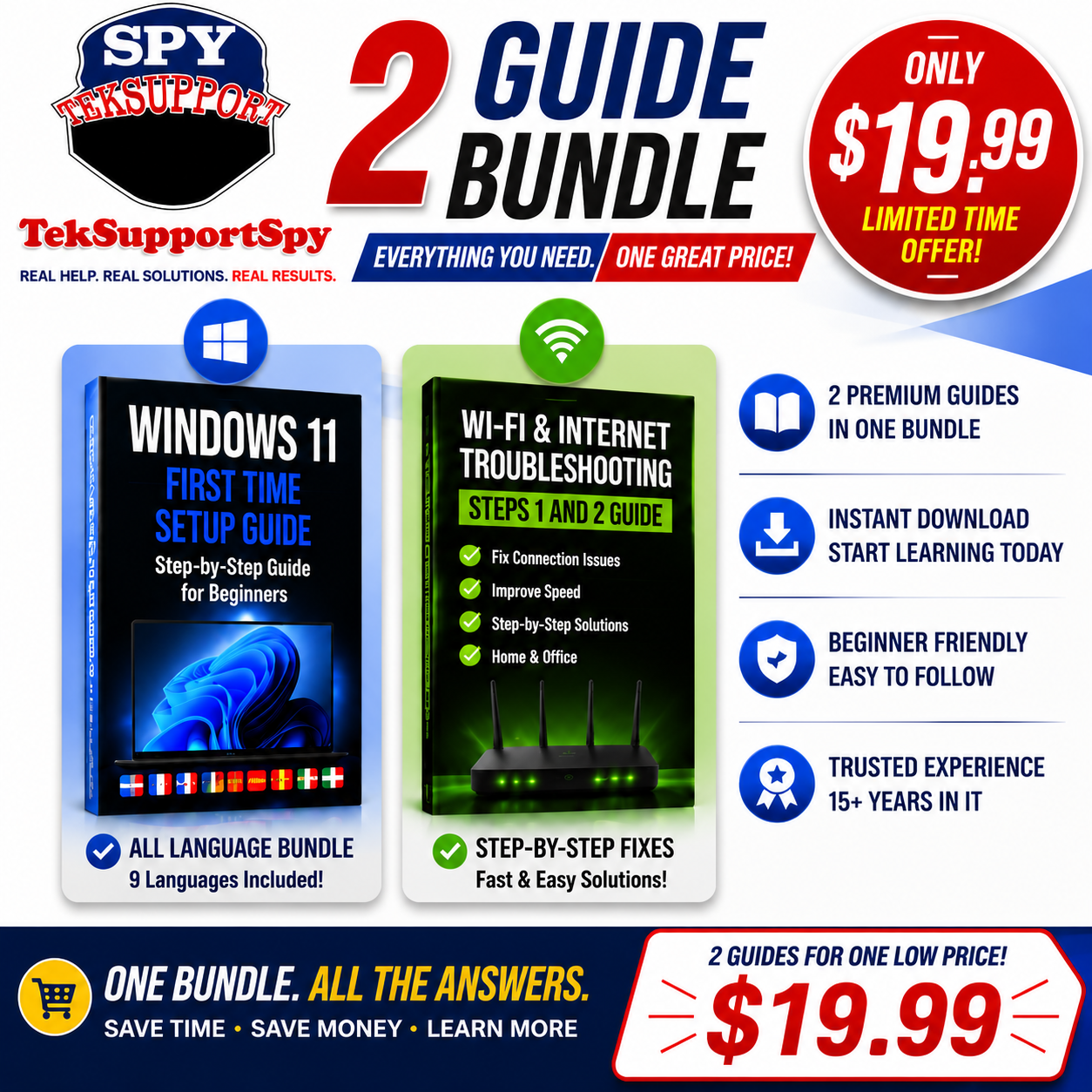
✔ Windows 11 First-Time Setup Guide (20+ pages) + Free Video
✔ Wi-Fi & Internet Troubleshooting Guide (Steps 1 & 2) 20 plus pages + Free Video
Don't let computer problems slow you down.
Whether you've just purchased a new Windows 11 computer, upgraded from Windows 10, or you're tired of dealing with slow or unreliable internet, the TekSupportSpy Windows 11 & Wi-Fi Bundle gives you the knowledge to confidently set up, troubleshoot, and get the most from your PC.
Designed for beginners, seniors, students, families, and small business owners, these easy-to-follow digital guides walk you through essential Windows 11 setup and practical Wi-Fi troubleshooting—step by step.
What's Included
🖥️ Windows 11 First-Time Setup Guide
Learn how to properly configure your new Windows 11 computer from the very beginning.
Inside you'll learn how to:
*Set up Windows 11 step by step
*Configure important privacy and security settings
*Personalize Windows for your needs
*Install updates correctly
*Understand essential Windows features
*Start using your computer with confidence
Windows 11 Setup Guide Bonus: Includes 9 language editions, making it easier for users around the world to learn.
Available Guide Languages
🇺🇸 English (ENG)
🇸🇦 Arabic (ARA)
🇵🇭 Filipino (FIL)
🇳🇬 Hausa (HAU)
🇮🇳 Hindi (HIN)
🇧🇷 Portuguese (POR)
🇪🇸 Spanish (SPA)
🇵🇰 Urdu (URD)
🇨🇳 Chinese (ZHO)
📶 Wi-Fi & Internet Troubleshooting Guide (Steps 1 & 2)
*Stop guessing why your internet isn't working.
*This guide teaches beginner-friendly troubleshooting methods to help you:
*Fix common Wi-Fi connection problems
*Troubleshoot slow internet speeds
*Resolve home and office network issues
*Learn simple Windows networking tools
*Follow proven step-by-step troubleshooting techniques
Why Customers Love This Bundle
✅ Two premium computer guides in one affordable bundle
✅ Perfect for Windows 11 beginners
✅ Easy-to-follow, step-by-step instructions
✅ Instant digital download
✅ Learn valuable computer skills at your own pace
✅ Great for home users, students, seniors, and small businesses
✅ Created by a former College IT Instructor with over 15 years of Information Technology experience
Perfect For
*New Windows 11 users
*Windows 10 users upgrading to Windows 11
*Home computer users
*Students
*Seniors
*Parents helping family members
*Small business owners
*Anyone wanting to improve their computer skills
Instant Digital Download
No shipping. No waiting.
Download your guides immediately after purchase and begin learning today from any compatible device.
Everything you need to start using your Windows computer with confidence while learning how to solve common internet problems.
Limited-Time Bundle Price — Only $19.99
Get both premium guides together and save compared to purchasing them individually.
Download today and start building practical computer skills that you can use every day.
TekSupportSpy LLC is an independent educational resource and is not affiliated with Microsoft or computer manufacturers.
All guides are for educational purposes and intended for use on devices or networks you own or are authorized to manage. No content provides instructions for bypassing security or accessing unauthorized systems.
MOBILE CELL PHONE USERS READ INSTRUCTIONS BELOW:
HERE'S HOW TO DOWNLOAD THIS BUNDLED GUIDE!
IPHONE
📱 How to Open a ZIP File on an iPhone (iOS)
Follow these steps to open your TekSupportSpy guide bundle on your iPhone:
Step 1: Download the ZIP File
Tap the download link after your purchase.
The ZIP file will download to your iPhone.
Open the Files app 📁.
Step 2: Find the ZIP File
Open Files.
Tap Browse at the bottom.
Tap Downloads.
Find your file:
Example:
TekSupportSpy_Complete_Computer_Guide_Bundle.zip
Step 3: Extract the ZIP File
Tap the ZIP file once.
Your iPhone will automatically create a new folder with the same name.
Example:
TekSupportSpy_Complete_Computer_Guide_Bundle
Step 4: Open Your Guides
Tap the new folder.
Open:
📘 Windows 11 First Time Setup Guide📶 Wi-Fi & Internet Troubleshooting Guide💻 Learn How To Open Your Laptop Guide⚙️ Learn About Your Computer BIOS Guide
Tap any PDF to open it.
You can use:
Apple Books
Adobe Acrobat Reader
Google Drive
Files app PDF viewer
ANDROID
📱 How to Open a ZIP File on Android
(Instructions may vary slightly depending on Samsung, Google Pixel, Motorola, etc.)
Step 1: Download the ZIP File
Tap the download link after your purchase.
The ZIP file will download to your phone.
Step 2: Open Your Files App
Open one of these apps:
Files by Google
My Files (Samsung)
File Manager
Files
Step 3: Locate the ZIP File
Go to:
Downloads
Find:
TekSupportSpy_Complete_Computer_Guide_Bundle.zip
Step 4: Extract the ZIP File
Tap the ZIP file.
Select:
Extract
Unzip
Extract Here
(depending on your phone)
A new folder will be created.
Example:
TekSupportSpy Two-2 Guide Windows11 & WIFI.zip
Step 5: Open Your Guides
Open the folder and select:
📘 Windows 11 First Time Setup Guide📶 Wi-Fi & Internet Troubleshooting Guide💻 Learn How To Open Your Laptop Guide⚙️ Learn About Your Computer BIOS Guide
PDF files can be opened with:
Google Drive PDF Viewer
Adobe Acrobat Reader
Your phone's built-in PDF viewer
